-
How to Write a Post with the WordPress Block Editor
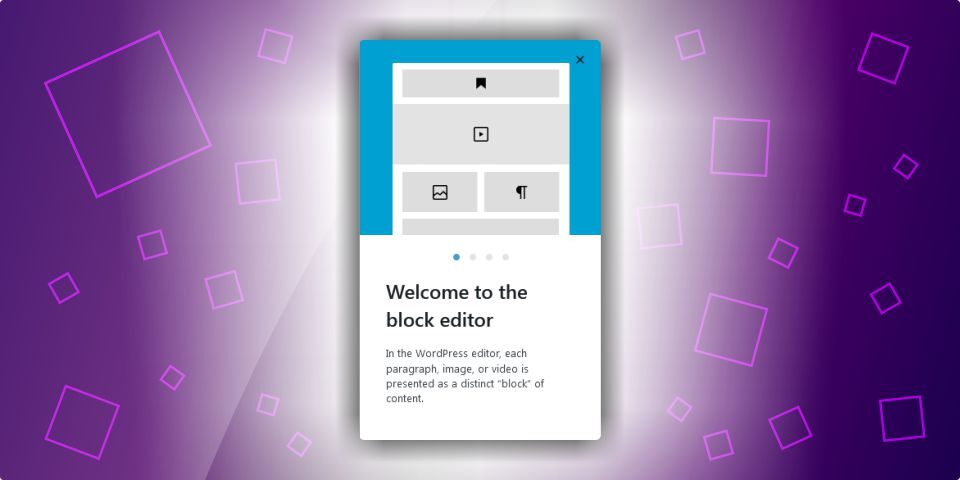
The block editor is where you create your posts and pages in WordPress. It is designed to be intuitive, with a number of blocks and tools that you’ll use when writing a blog post. In this article we’ll show you around the the editor and how to use these tools. About the WordPress Block Editor… … Read More
-
Editing Your WordPress User Profile
Your WordPress user profile is an important part of the WordPress admin dashboard. It stores your personal information, account settings, display preferences, and login details. Every user who can log in to your website has a profile, regardless of their user role. In this guide, you’ll learn: Whether you’re a beginner or managing multiple users… … Read More
-
How to Manually Update to the Latest Version of WordPress

Updating to the latest version of WordPress is important for both the security and performance of your website. You can normally complete the update with just a few clicks in your admin dashboard. If you experience problems updating with the automated method, you can still manually update your site. In this article we’ll show you… … Read More
-
Changing Your Admin Username in WordPress
Your WordPress username and password allow you to access your admin dashboard. They protect your user credentials and are your first line of defence against potential hackers. While most people are aware of how important passwords are, the security risk of a weak username is often overlooked. In this article we’ll take a look at… … Read More
-
How to Create a Small Business Website with WordPress
 Categories: WordPress
Starting a website for your business may seem overwhelming at first, especially if you have no experience with web design or coding. Fortunately, creating a professional website is now easier and more affordable than ever thanks to WordPress. In this beginner-friendly guide, I’ll explain everything you need to know about starting a WordPress website in… … Read More
-
The How and Why of Installing WordPress on Your Own Computer
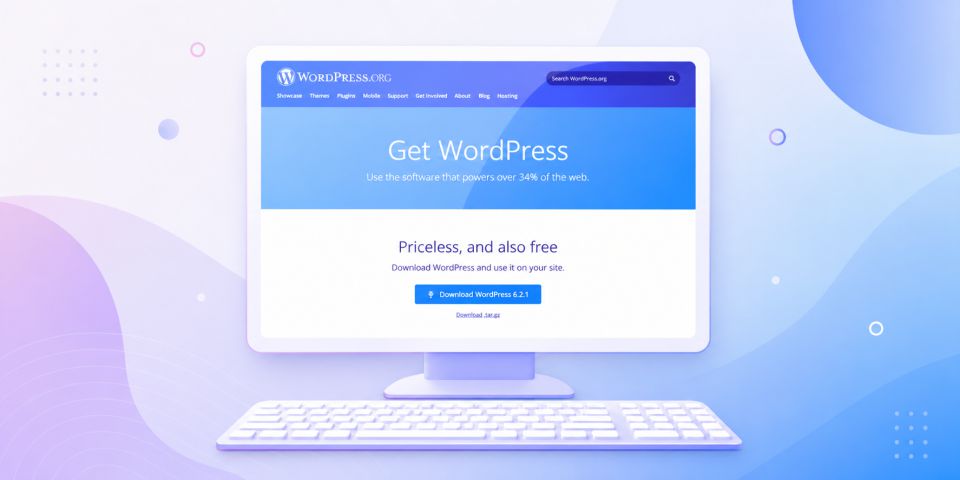
If you’re thinking about using WordPress or already manage a WordPress website, installing WordPress locally on your computer can be incredibly useful. A local setup gives you a safe space to learn, test ideas, and develop your website before publishing it online. In this guide, I’ll explain what a local WordPress installation is, why it’s… … Read More
-
How to Create a WordPress Staging Website

A staging website is the perfect environment for you to test WordPress updates, themes and plugins before implementing them on your live site. In this article we’ll explain what a staging site is and how to create a WordPress staging website. What is a Staging Website? A staging site is basically a copy of your… … Read More
-
Updating the PHP Version for Your WordPress Website
Updating your WordPress website to a recent PHP version is important to ensure that your site loads fast and is as secure as possible. In this article we’ll briefly explain what PHP is and how to easily check your PHP version in WordPress and update it in cPanel and DirectAdmin. If you’ve been seeing the… … Read More
-
Types of Website Hosting Explained

To make a website available online, you need both a domain name and web hosting. Many types of website hosting are available, which can feel confusing if you’re creating a website for the first time. This guide explains the most common hosting options to help you choose the right solution for your website and business… … Read More
-
The Importance of Image Alt Text for SEO and Accessibility
Image alt text, also known as alternative text or alt attributes, helps describe the appearance and purpose of an image on a web page. Adding alt text improves website accessibility, helps search engines understand your images, and can strengthen your SEO performance. In this article, you’ll learn what image alt text is, why it matters,… … Read More
-
How Much Does a Website Cost in South Africa?

Creating a website for your business in South Africa can cost anywhere from R100 per month to over R50,000 upfront, depending on the type of website you need and who builds it. The good news is that there are affordable options available for startups, small businesses, freelancers, and established companies alike. Whether you choose a… … Read More
-
Why Choose WordPress as Your CMS?
If you are planning to build a website, one of the first decisions you need to make is choosing the right content management system (CMS). Understanding what a CMS is and why WordPress is such a popular option can help you make the best decision for your business or personal website. What Is a CMS?… … Read More
